DIRECT FROM OWNER · English
Request a property brochure in your language
See how to choose a property, select your preferred language and send an enquiry requesting a brochure from Direct from Owner.
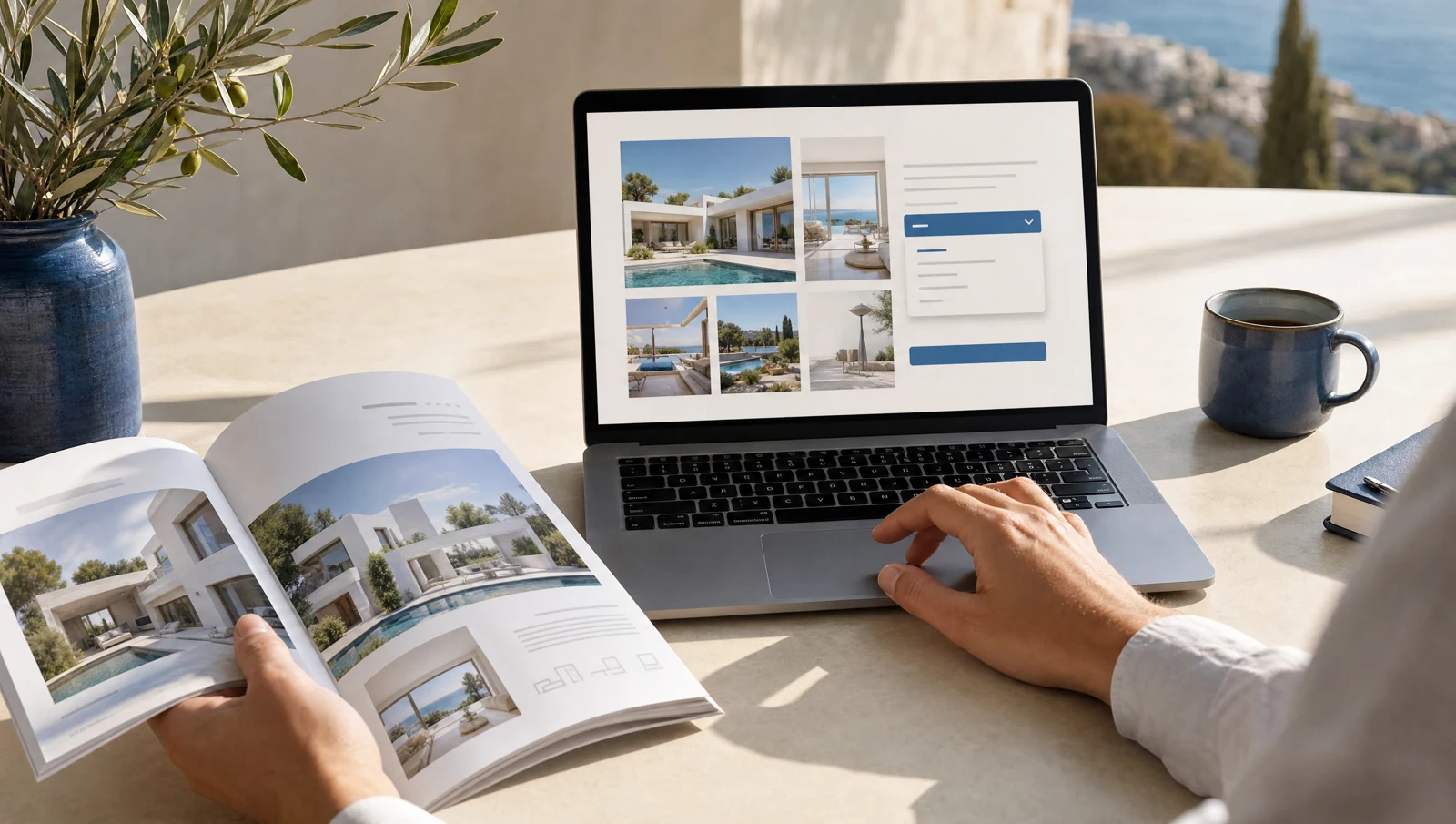
Choose the home you want to know more about
A brochure request is a useful first step when a property interests you. It lets you ask for more detail before arranging a viewing. Start at directfromownercy.com, browse the available homes and open the page for the property you want to explore.
Open the enquiry form
On the property page, select Get the brochure in your language. Check that you are enquiring about the correct home, especially if several listings have similar names or photographs. Keep the listing link with your notes so you can refer to it in later messages.
Enter your name and email address. Check the email address carefully because a typing error can prevent a reply from reaching you. The phone field is optional; include a number if you would like to be contacted that way.
Select your preferred language
Use Preferred language to choose the language you would like used for your reply and brochure request. The form currently offers English, Deutsch, Polski, Русский, Lietuvių, العربية and Türkçe.
In the message, explicitly ask for the property brochure in your chosen language. This makes the request clear even if you are also asking about availability, measurements or a viewing. Brochure availability and the reply depend on the property and the response to your enquiry; submitting the form is not an instant download.
Send your brochure request
Enter your name and email address, then choose your preferred language. Your request includes the property brochure. Your phone number and message are optional.
Use the message if you have a question or want to suggest a viewing time. Review your details and submit the request. This does not subscribe you to marketing emails.
Arrange a viewing when you are ready
Review the brochure alongside the current listing and ask about anything that needs clarification. If you would like to visit, use Book a viewing and suggest suitable dates. Wait for a confirmed appointment before travelling.
Ready to start? Browse the property collection, open a home and request its brochure in the language you prefer.
Find a home worth asking about.
Explore the photographs and details, then request a brochure in your preferred language.
Explore the collection ↗